Seven Frontend Traps From a 37-Day Anonymous Chat Site
Let me start with the result: the site has been up for 37 days and it runs, but on three separate occasions I thought "something this simple couldn't possibly break" and every time it broke in the same place — I trusted the judgment of my local development environment.
Technically there's nothing fancy. Vite + React to make an SPA, and at build time every article is pre-rendered into static HTML, then served behind nginx. It's this ordinary combination that led me into the following pitfalls.
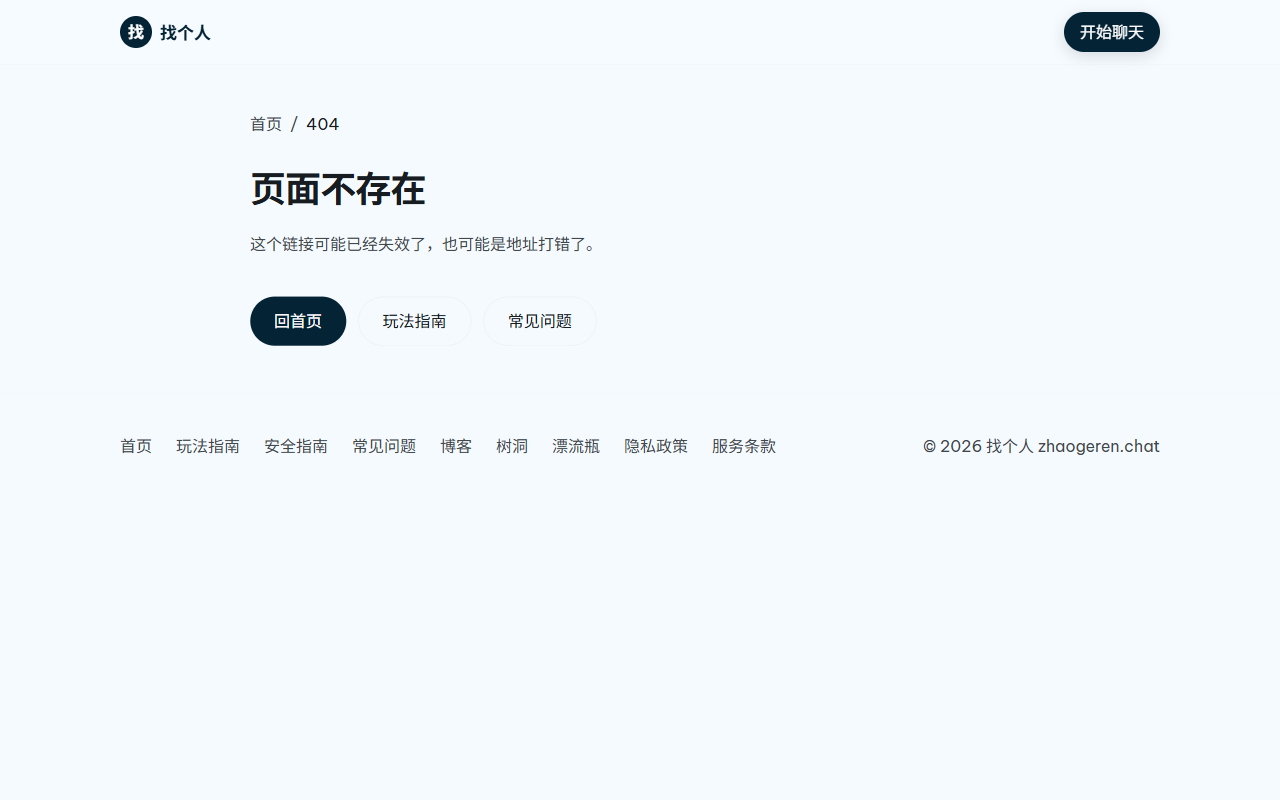
Pitfall 1: Every non-existent URL returns 200
This one is the most damaging, and I wrote it myself.
The nginx config for the SPA was copied from somewhere, and looked like this:
location / {
    try_files $uri $uri/ /index.html;
}
It looks natural: let routing be handled by the frontend. But the consequence is that /asdfgh, /letter/xxx, or any garbage path, returns 200 along with a full index.html page.
That doesn't affect users, but it's a disaster for search engines. Google crawls these pages and files them under "Crawled – currently not indexed", burning crawl budget; worse, junk pages and real pages share the same response code, which tells the crawler "I have an infinite number of pages here".
I discovered this only after checking the index report in the Search Console. The fix was to add a whitelist for the SPA routes:
location ~ ^/(app|plaza|chat|mine|inbox|write|draw|match|coin|letter|block|doc)(/|$) {
    try_files $uri /index.html;
}

location / {
    return 404;
}

error_page 404 /404.html;
After the change I curled all 26 real routes and 5 garbage paths one by one, and only then could I be sure.
Pitfall 2: Double quotes in the title ate the entire meta tag
Bing Webmaster Tools kept telling me "Meta descriptions on many pages are too short". I assumed the description text was too lazy, so I wrote a longer version, rebuilt, and resubmitted.
Nothing changed.
So I fetched all 40 pages and used an HTML parser (not regex) to read the description value. One page came back as an empty string.
The cause was in this article's title: 《"树洞"这个说法从哪来》.
The pre-render script does something simple: takes the title and description, and replaces placeholders in the template.
html = html.replace(
  /(<meta\s+name="description"\s+content=")[\s\S]*?("\s*\/>)/,
  `$1${description}$2`
);
When description contains an English double quote, inserting it prematurely closes content=", so the value the browser reads is an empty string. The remaining half becomes garbage attributes on that meta line — the page still renders normally, and there's no visible anomaly.
The fix is to escape all attribute values uniformly:
function escAttr(s) {
return String(s ?? '')
.replace(/&/g, '&')
.replace(/"/g, '"')
.replace(/</g, '<')
.replace(/>/g, '>');
}
By the way, it took me a whole day to understand this one. The "description is too short" message is so specific that it makes you not suspect anything else.
Pitfall 3: og:type hardcoded to website
In the template, og:type was always website. Blog articles should be article, and also need article:published_time. If you don't change it, Google and Bing treat the page as a normal page, not as time-sensitive content.
Fixing this takes a minute, but only if you know to fix it.
Pitfall 4: Native ESM doesn't do extension resolution
The build script is an .mjs, and it directly imports site data:
import { BLOG_POSTS } from './src/pages/content/blogPosts';
In Vite that's completely fine; esbuild adds the .js for you. But when the same file is run by node scripts/generate-sitemap.mjs, it throws ERR_MODULE_NOT_FOUND.
Because native ESM doesn't resolve extensions; what Vite does for you, node doesn't.
Add the .js and it's fine:
import { BLOG_POSTS } from './src/pages/content/blogPosts.js';
My lesson: always write full file extensions for anything you import in build scripts. You never know when it'll be run directly by node.
Pitfall 5: rsync --delete deleted three directories
This was purely an operational mistake, but the most destructive one.
For deployment I used a lazy shortcut:
rsync -a --delete dist/ /www/wwwroot/site/
--delete means "also delete extra files from the target directory". It sounds reasonable — keep everything in sync with the build output. But my dist/ never contains the admin panel, the APK download directory, or .well-known/ (that one was placed by hand later).
So the moment deployment finished, /admin/, /download/, and /.well-known/ were all gone, including a 1.34MB Android package.
Luckily, before deploying I always create a tar backup. I extracted those directories from the backup, restored them, and curled each one to confirm 200. It took ten minutes.
The deployment flow is now fixed as:
rsync -a --dry-run dist/ /www/wwwroot/site/   # see what will change first
rsync -a dist/ /www/wwwroot/site/             # no --delete
The --dry-run step cannot be skipped. The screen it prints is the only place to see "what will be deleted" before you actually do it.
Pitfall 6: $ sequences in String.replace
Continuing from pitfall 2. After escaping, I still had a hidden trap: the replacement string used group references like $1 and $2.
html.replace(re, `$1${value}$2`);
If value happens to contain special sequences like $&, $', or $`, replace treats them as group references and expands them, mangling the content on the spot. The chance is low, but my description is generated from article body text, and you never know when a $ will show up.
Switching to a function replacement eliminates the problem entirely:
html.replace(re, (_m, a, b) => a + value + b);
This change has no technical sophistication; it's just being honest after getting burned once.
Pitfall 7: The route whitelist leaks
The fix for pitfall 1 left a trailing issue: the whitelist is a regex, so adding a new route means having to update nginx too.
I forgot when I added /letter/:id. The symptom was: everything works locally, but the production environment returns 404.
There's no elegant solution to this. My crude approach is to have only one source of truth for the route list — centralize the SPA routes in NewApp.jsx, and after a change, grep the nginx config to compare. Ugly, but effective.
What the site looks like now

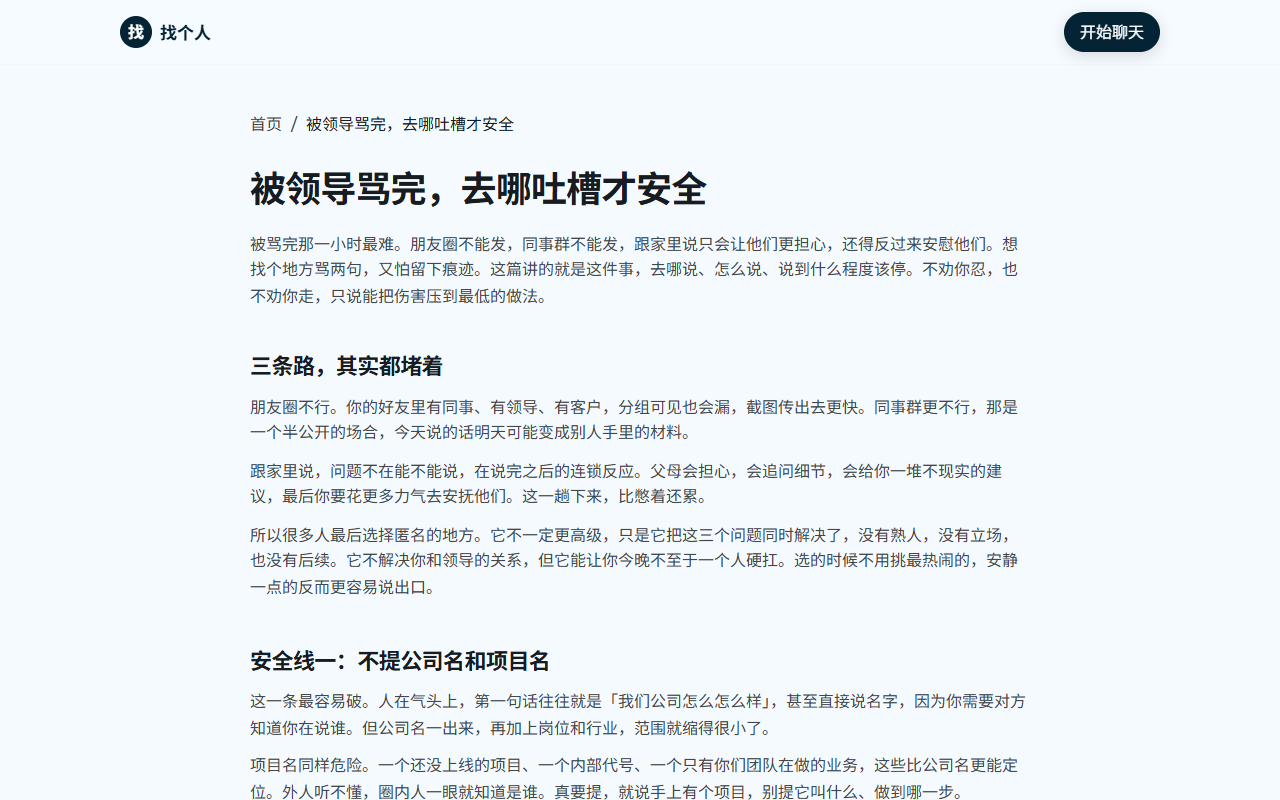
The site now has 55 pages, all pre-rendered, with a 55-entry sitemap.
But there's one problem I haven't solved: not a single image on any of the 55 pages. It's not that I forgot — I don't know what images to use. On a content site like this, images easily become placeholders and drag down the look. If you have experience with image strategies for similar sites, I'd love to hear it.
Of the pitfalls above, the fifth one (rsync) is the one I least want to hit again. Frontend problems can be debugged slowly, but one --delete can turn half an hour of work into two hours of troubleshooting.
Top 1 from juejin.cn, machine-translated. The original thread is authoritative.
I searched but couldn't find the site.